Where do I view and edit my Health and Safety Policies?
 Updated
by Leo Comia
Updated
by Leo Comia
To locate the policies
- Navigate to the Inductions Tab
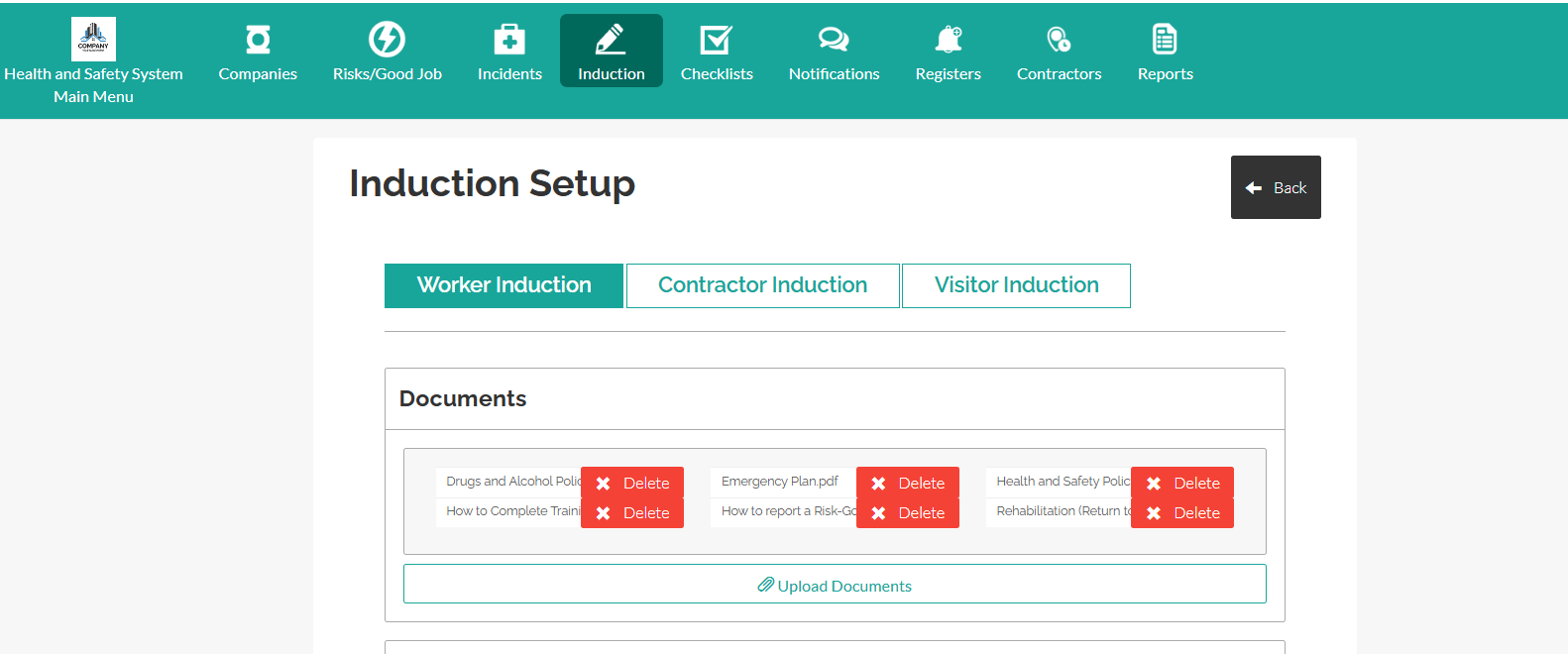
- Select among the 3 tabs
Worker Induction: The Health and Safety Policy and related induction documents for workers are located here.
Contractor Induction: Health and Safety and related induction documents for contractors are located here.
Visitor Induction: Related induction documents for visitors are located here.
- Click on the document title to view and download
How to Add a Document
- Select the Induction tab where the document should appear

- Click Upload Documents
- Select the file from your computer
- Edit the form question or options if needed
- Click Save Induction
The document will now appear in the selected induction tab and will be visible to users completing the induction.
How to Edit or Replace a Document
If a document needs updating (for example, a revised policy):
- Navigate to the Induction tab containing the document
- Locate the document in the list
- Click Delete on the document to replace
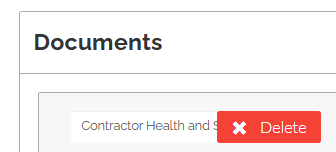
- Upload the new version of the file
- Click Save Induction
The updated document will replace the previous version in the induction.